The problem was not that I had too many apps.
The problem was that I had no reliable way to see which ones were running, which scripts had fired today, and which browser profile I was about to send something through.
Everything was spread across desktop icons, terminal history, and memory.
And memory is the worst data store.
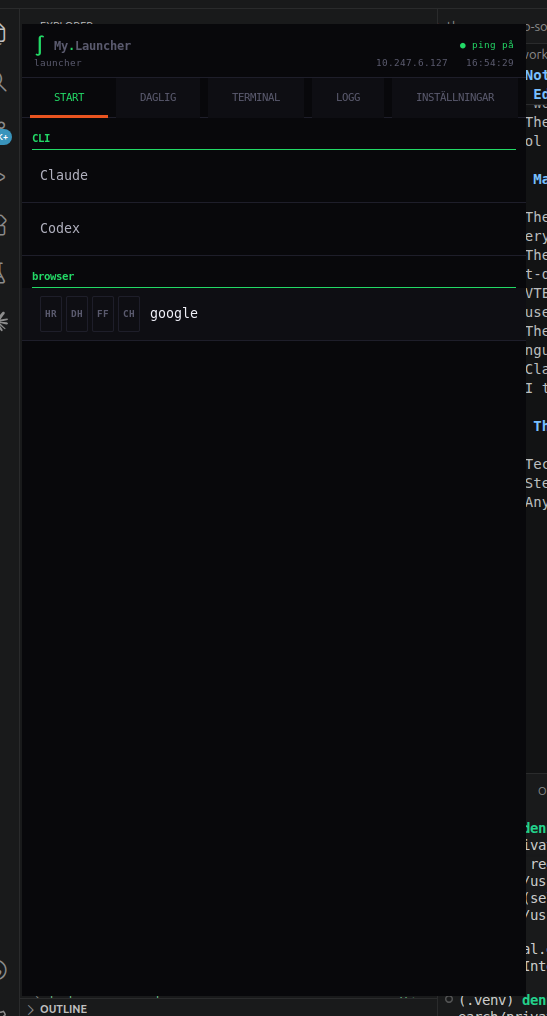
I wanted one narrow column at the side of my screen that knew everything I cared about.
Not a dashboard. Not a control panel.
Just a list that stayed open, that did not require me to remember, and that could launch anything I needed without switching context four times first.
I looked for something like that.
Nothing fit well enough.
So I built it.
The first version was in tkinter.
It worked, in the way that things can work while also being wrong.
The buttons looked wrong. The terminal felt wrong. The whole thing had the texture of something that had been held together rather than made.
It was useful enough to prove the need and limited enough to prove that I had picked the wrong surface.
I rewrote it in GTK3.
That was the right choice, and I knew it immediately.
On my Ubuntu/GNOME machine, GTK3 is close to the system instead of sitting above it. There is no Electron shell, no browser pretending to be a desktop tool, no extra product layer between the button and the process it starts.
VTE gave me a real terminal embedded inside the window. Not a subprocess I was pretending to talk to. An actual terminal emulator, with scrollback, proper color support, and copy and paste that behaves the way copy and paste is supposed to behave.
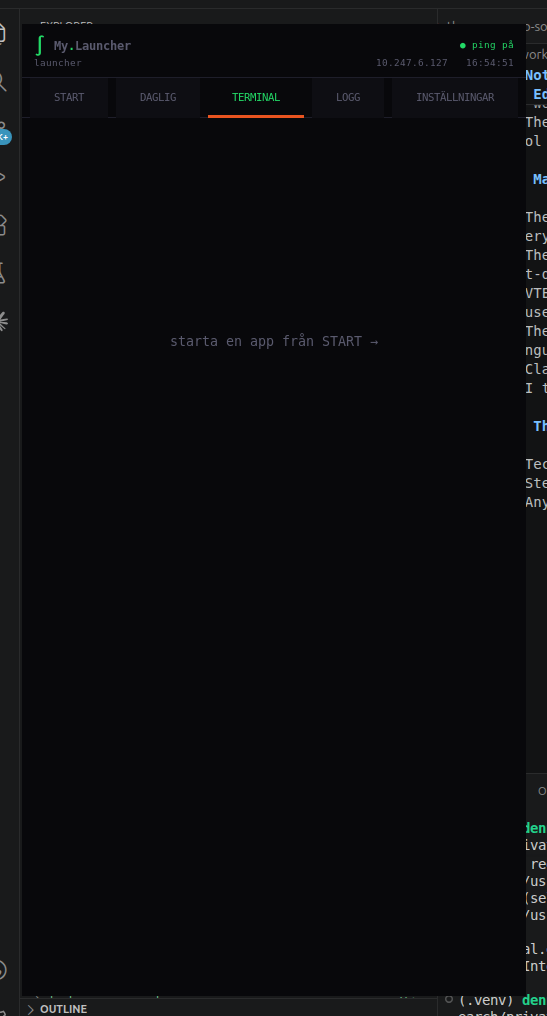
The difference between a real tool and something that approximates a tool is not always obvious from the outside.
It is very obvious from the inside.
The build also had the kind of Linux desktop friction that never appears in clean screenshots.
The launcher needed a run.sh wrapper that starts from a clean environment with env -i, because VS Code Snap can inject library state that breaks GTK applications. That is not a feature. It is a scar from trying to run the tool in the actual working environment where I needed it.
VTE had its own small trap. The terminal spawn call needed GLib.SpawnFlags.DEFAULT. A wrong child-reaping flag produced an obscure warning, the kind where the program mostly works but leaves you with the feeling that something underneath is not clean yet.
That is what moved the project from "a panel with buttons" toward "a tool I can trust to sit open all day."
Every feature in the launcher came from a real problem.
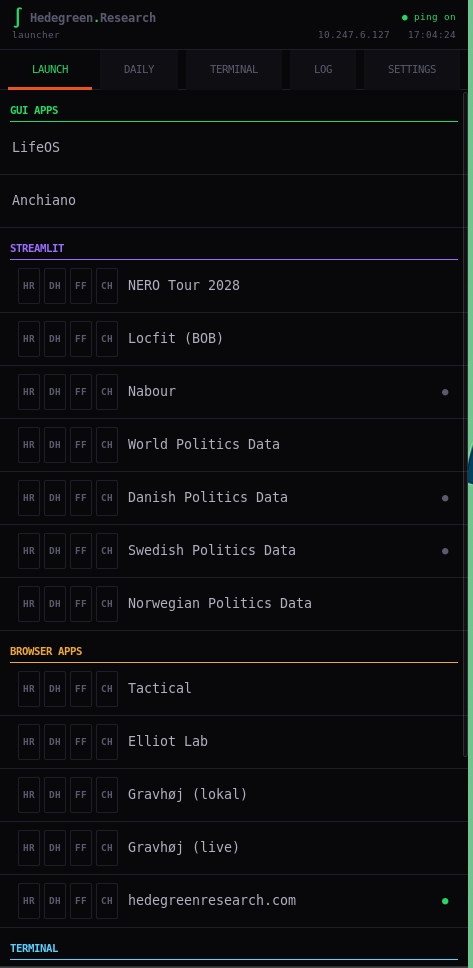
The browser mode buttons came from having two Firefox profiles and never being certain which one I was about to open something in. Now there are four buttons on every browser row: profile one, profile two, Firefox incognito, Chrome incognito. One click. No decision.
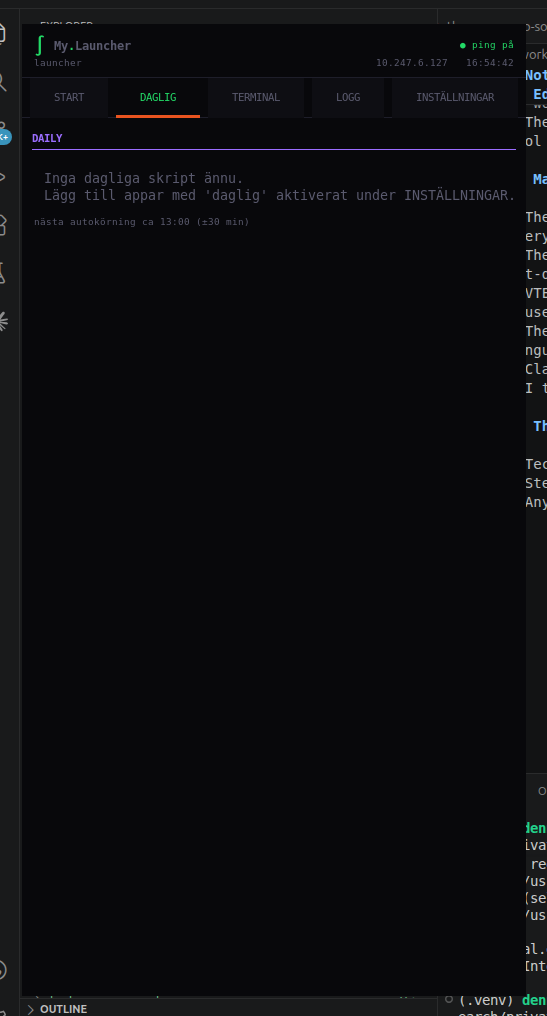
The daily scripts tab came from having scripts that needed to run once a day and no clean way to know whether they had. The launcher checks the date, tracks the last run, and fires them automatically around 13:00 with a random offset so the timing does not look mechanical.
The activity log came from losing track of when I had last opened something. The log does not require anything from me. It just writes down what I launched and when.
The ping system came from running web apps locally and not knowing which ones were still alive. The dots next to each app turn green when the URL responds.
None of these were designed in advance.
They were discovered.
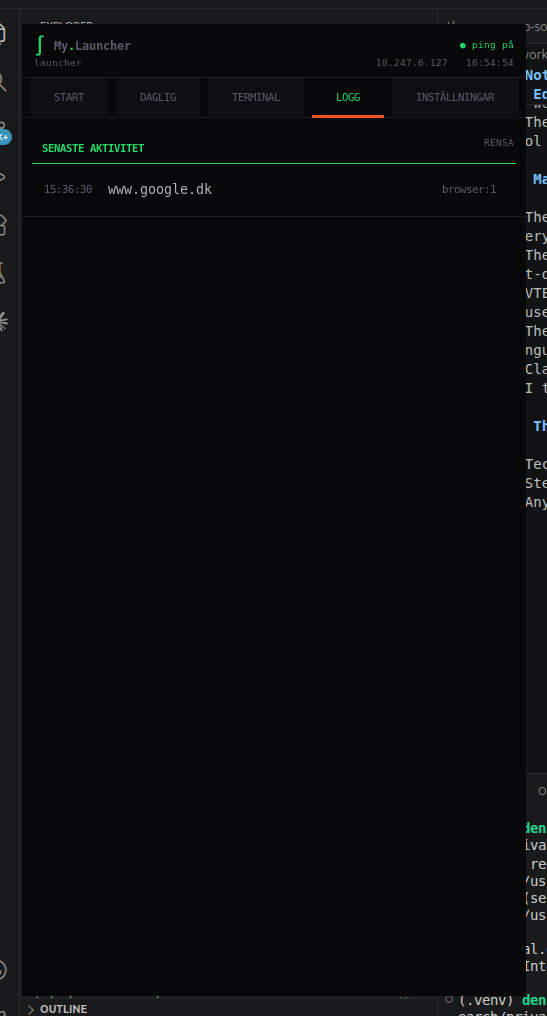
The tool started as something I built for one environment: a research environment with specific tools, specific paths, specific browser profiles.
At some point during the build I realised that every part of it that was specific did not have to be.
The paths could come from a config file. The apps could come from apps.json. The browser profile labels could be whatever anyone wanted them to be.
I separated the assumptions from the logic.
That separation is what made it worth releasing.
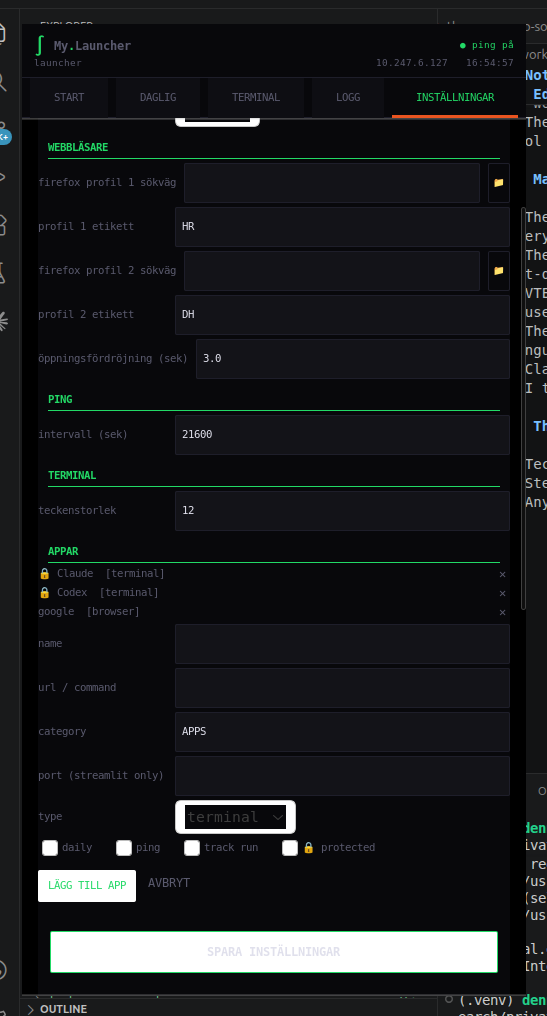
On the day I decided to open source it, I added two things before treating it as public: a translation system and a theme engine.
Not as features. As architecture.
A translation is a JSON file in a folder called locales. The launcher reads the folder at startup and shows whatever languages are there. You add a language by dropping a file. No code changes.
A theme is a JSON file in a folder called themes. Same principle. You change the colors, save the file, hit save in settings, and the colors change while the launcher is still running.
English, Danish, and Swedish ship.
Anyone who wants to add another language does not need to understand the codebase. They need to understand their own language.
That is the only requirement I wanted.
GTK3 is aging.
I know that. GTK4 exists and the ecosystem is moving toward it.
I used GTK3 because it works today on the kind of Linux desktop this tool was built for, without turning a small launcher into a framework decision.
That is not a permanent answer. It is an honest one.
The rewrite path is clear. When the time is right, the architecture survives the migration. The translation files survive. The theme files survive. The apps.json shape survives.
I built for now and left the structure in a state that can handle later.
The launcher is live at github.com/DennisHedegreen/gtk-launcher.
It has a setup wizard. It has documentation for translations and themes. It has the path from a private Hedegreen Research-specific launcher to a generic one.
It is not finished.
No tool that is actually being used is ever finished.
But it does what I needed it to do, it is clean enough to hand to someone else, and it has Claude and Codex in it by default because those are the two tools I open more than anything else right now.
That felt like the right statement to make.
— Dennis Hedegreen